
Intake & customer records
Capture the request with the customer and asset, so work starts with context.
Features
One connected job record. A clear next step for everyone.
Book a demoSwipe to explore more
Find the customer and vehicle, note what needs doing, and keep the request with the job. Your team can pick up the work without searching through messages.
Explore this part of the platform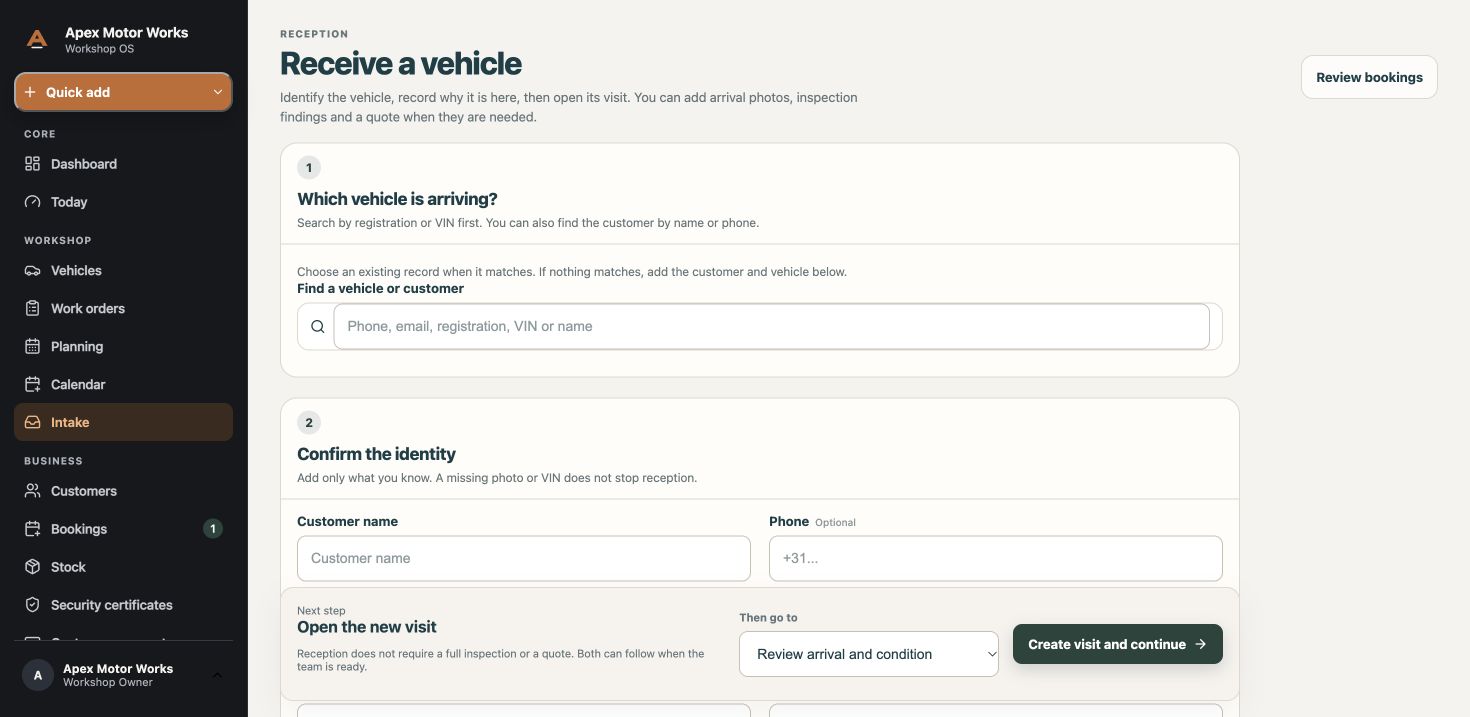
Plan the work and record time against the job. Tasks and updates stay where the team can find them, instead of getting lost between shifts.
Explore this part of the platform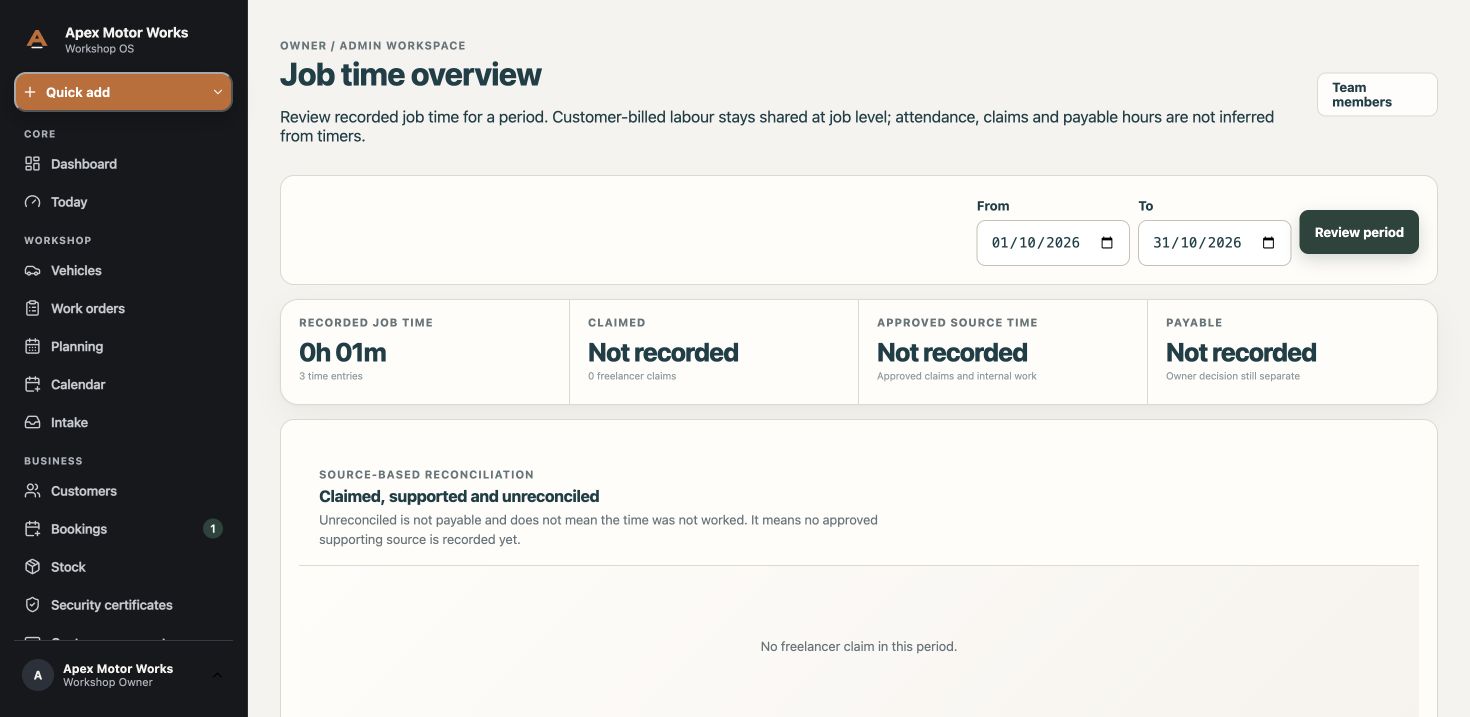
See what is physically in stock, what is reserved and what is on its way. Check availability before a missing part holds up a job.
Explore this part of the platform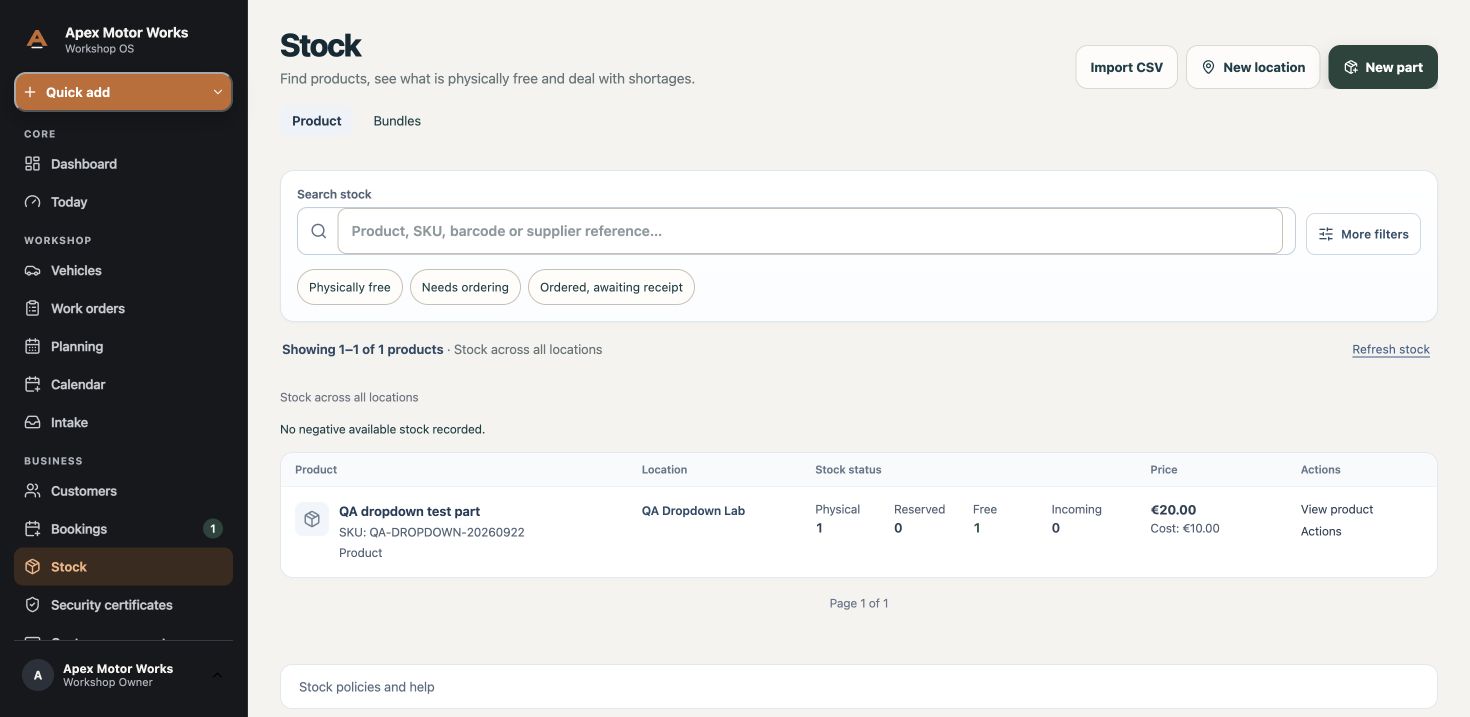
Keep quotes, customer decisions and invoice records with the job, so you can see what has been agreed and what is still outstanding.
Explore this part of the platform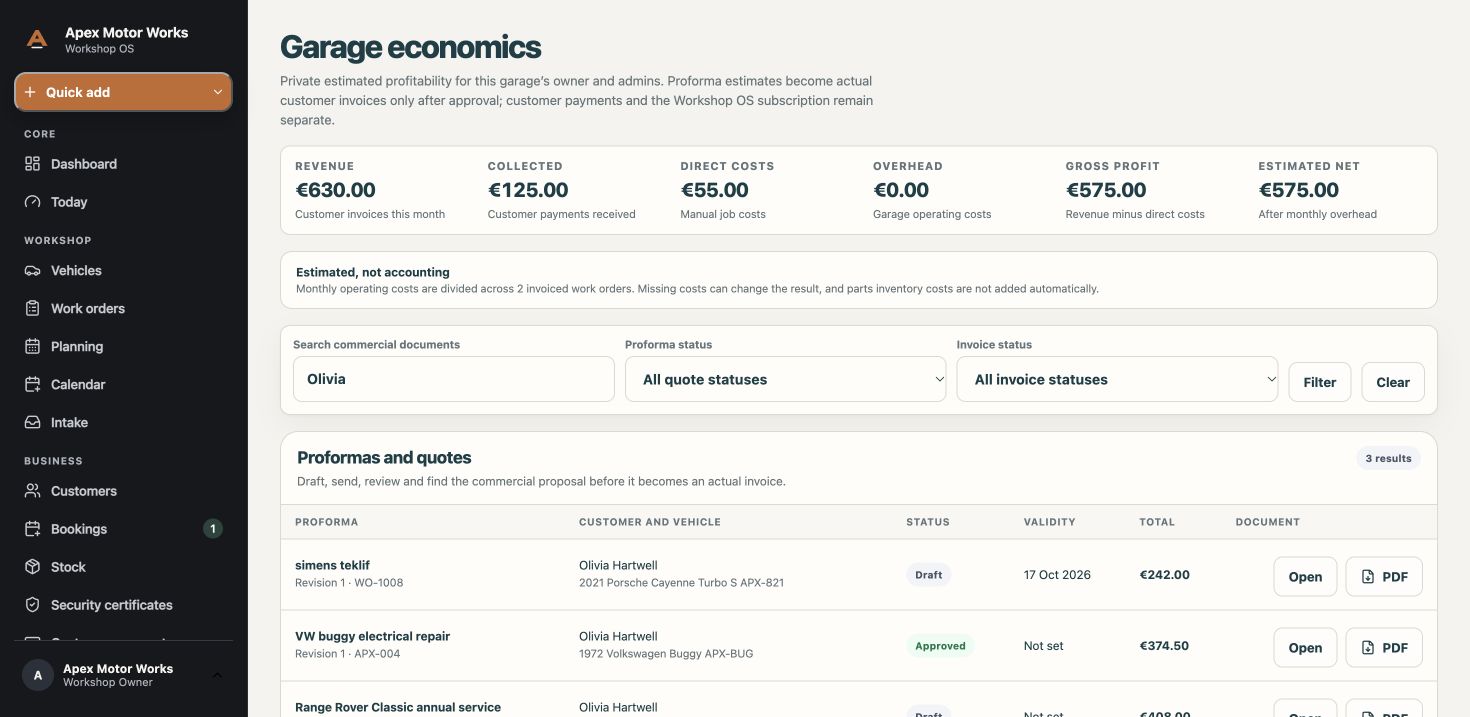
Give customers a way to request an appointment online. Review each request before accepting it and converting it into a work order.
Explore this part of the platform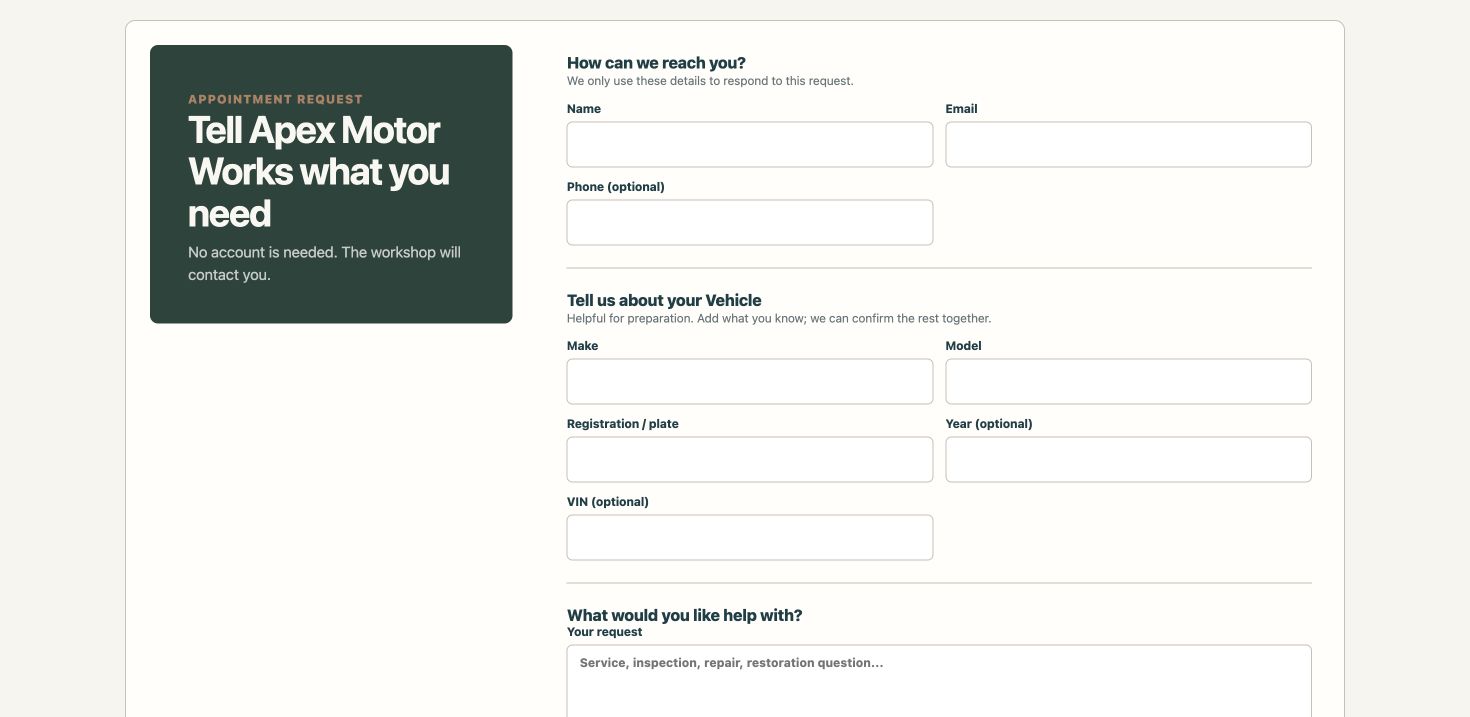
Save procedures, checklists and technical references in a searchable workshop catalogue, so useful knowledge is not kept in one person’s head.
Explore this part of the platform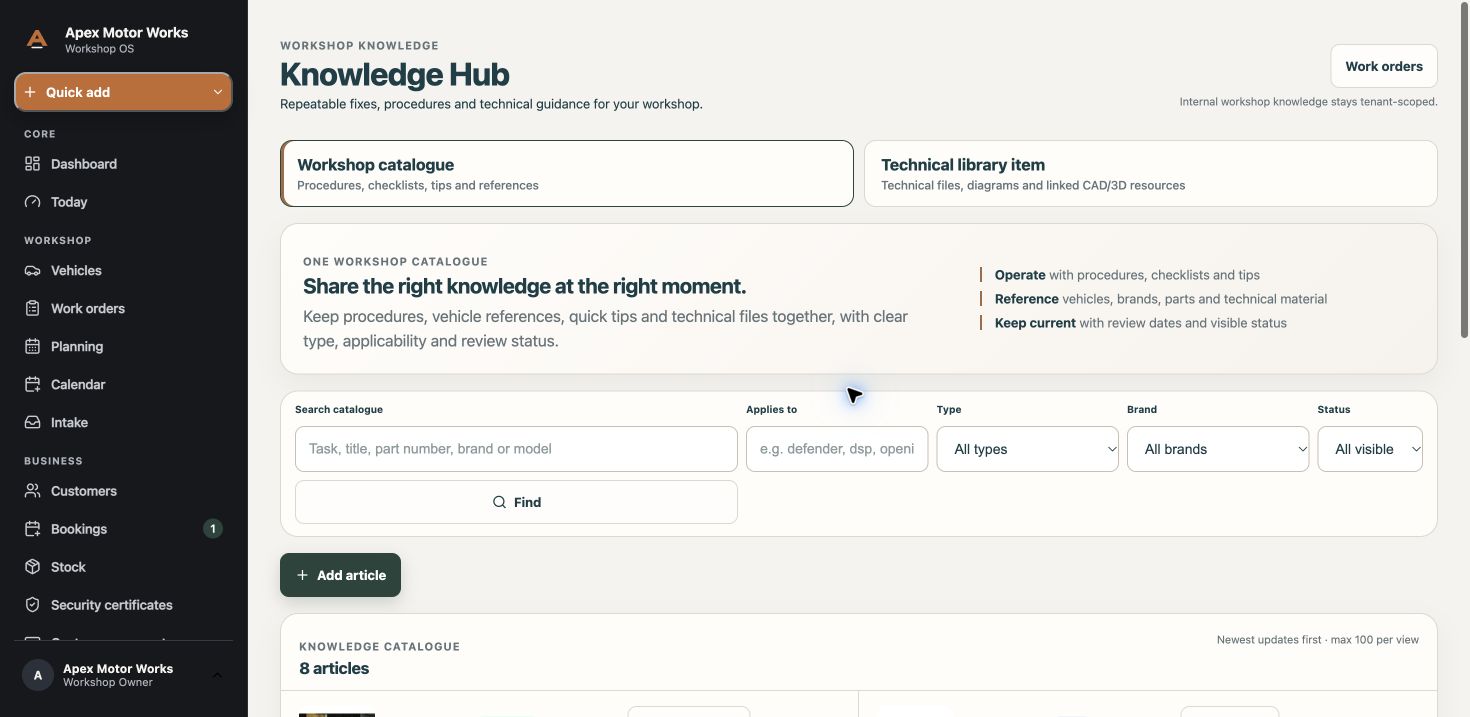
Search customer records, see associated vehicles and keep relationship follow-ups in view.
Explore this part of the platform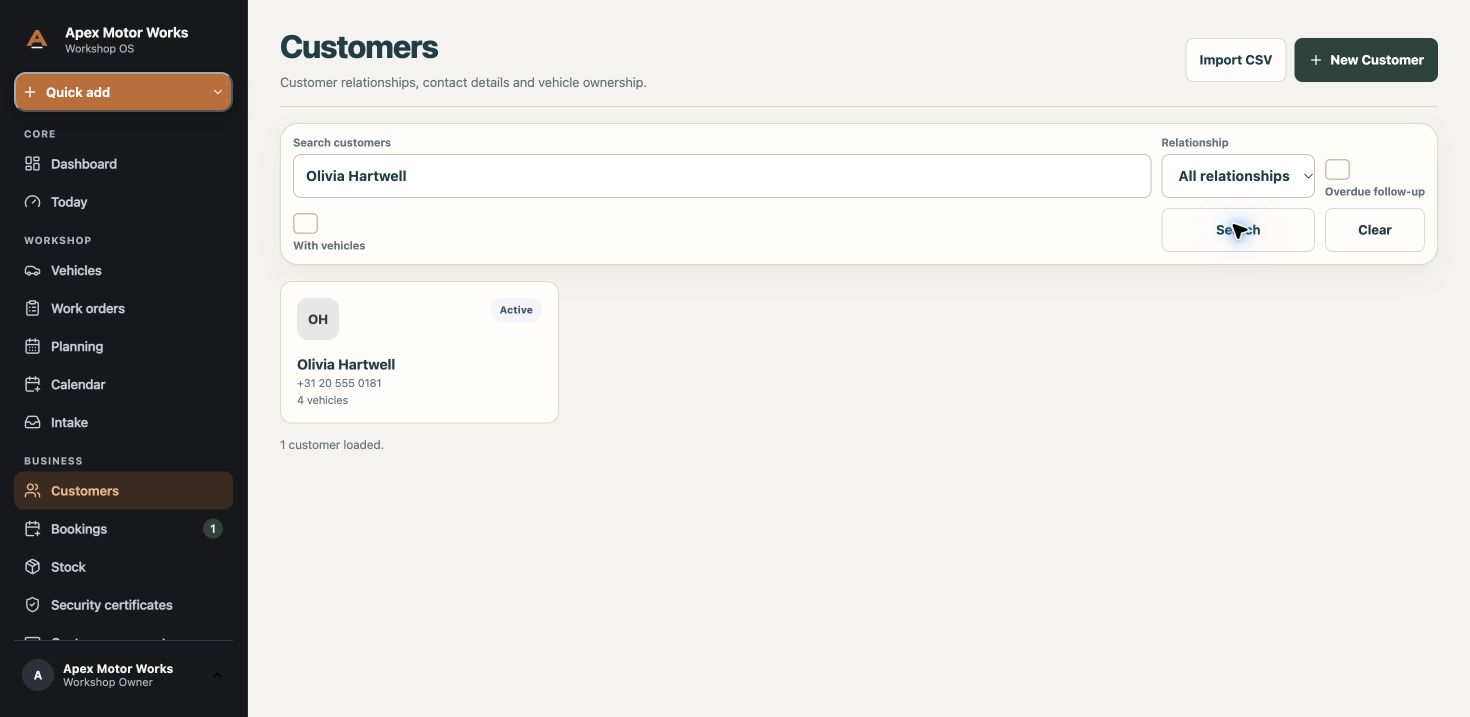
See how Workshop OS handles the work your team does: intake, planning, stock, customer decisions and invoicing.
Capture the request with the customer and asset, so work starts with context.
Plan workshop visits, assign approved work and see what still needs scheduling.
Keep findings, checklists and before-and-after photos with the work.
See upcoming or overdue vehicle certificate dates and follow up with the customer. This is a workshop feature, not a claim of information-security certification.
Keep assigned work, progress and time records close to the job.
Save repeatable fixes and handover advice where the team can find them.
Message team members inside Workshop OS to discuss work and handovers.
Track reserved and installed parts alongside the work they belong to.
Know what is available, reserved or running low before it holds up the next job.
Find a part using a SKU, barcode or Workshop OS QR code, and print a part label. Identifying a part does not change stock; an action requires confirmation. Availability depends on permissions and setup.
Create a bundle template with the parts and other lines you use together. Saving a template does not itself change stock.
After identifying a part, eligible users can choose a stock checkout or counter-sale action. Actions require confirmation and depend on permissions.
Agree scope and extra work with a recorded customer decision.
Follow outstanding balances and close the job with a clear payment record.
Give customers access to shared updates, quotes and invoices through the customer portal. Use Workshop OS messaging to contact a customer or team member.
Give your workshop a clear online front door and turn enquiries into structured bookings.
Keep customer history, conversations, follow-ups and active work connected.
Some features depend on your workshop’s configuration and your team’s permissions. Ask us what is available for your setup.
See how Workshop OS fits your workshop.