
Start with the part
Find the item by its SKU, barcode or Workshop OS QR code and check that it is the right record.
Identify a part, then choose the right stock action for the transaction.
Book a demo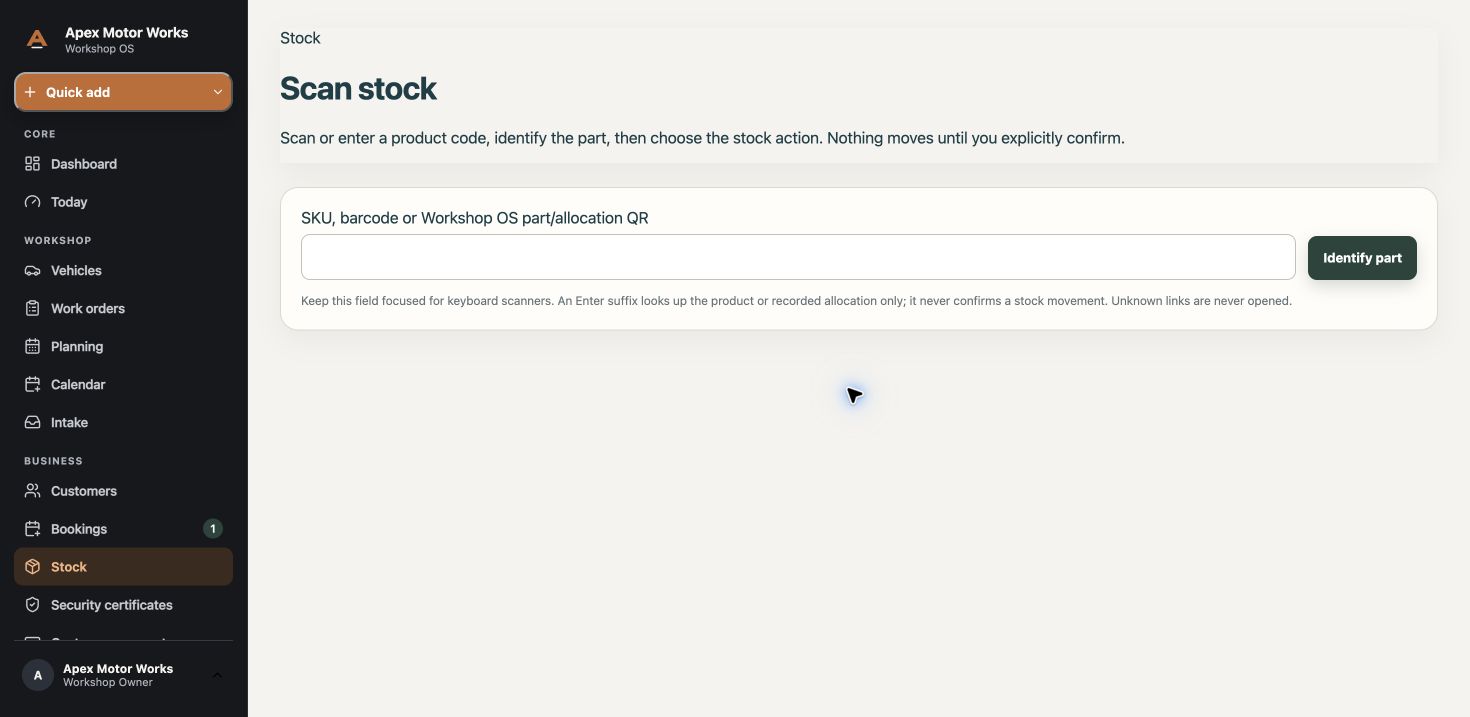
Find the item by its SKU, barcode or Workshop OS QR code and check that it is the right record.
Eligible users can access stock checkout or counter-sale actions. Which actions appear depends on their role and the workshop configuration.
Review the details before confirming. Looking up an item is not a completed stock movement or sale.
This is a parts workflow, not a claim of a complete retail POS, payment-terminal integration or fiscal-register certification.