
Identify the part
Enter a SKU, barcode or Workshop OS part QR code, or use a keyboard scanner to enter the code.
Find the part in front of you without searching the entire catalogue.
Book a demo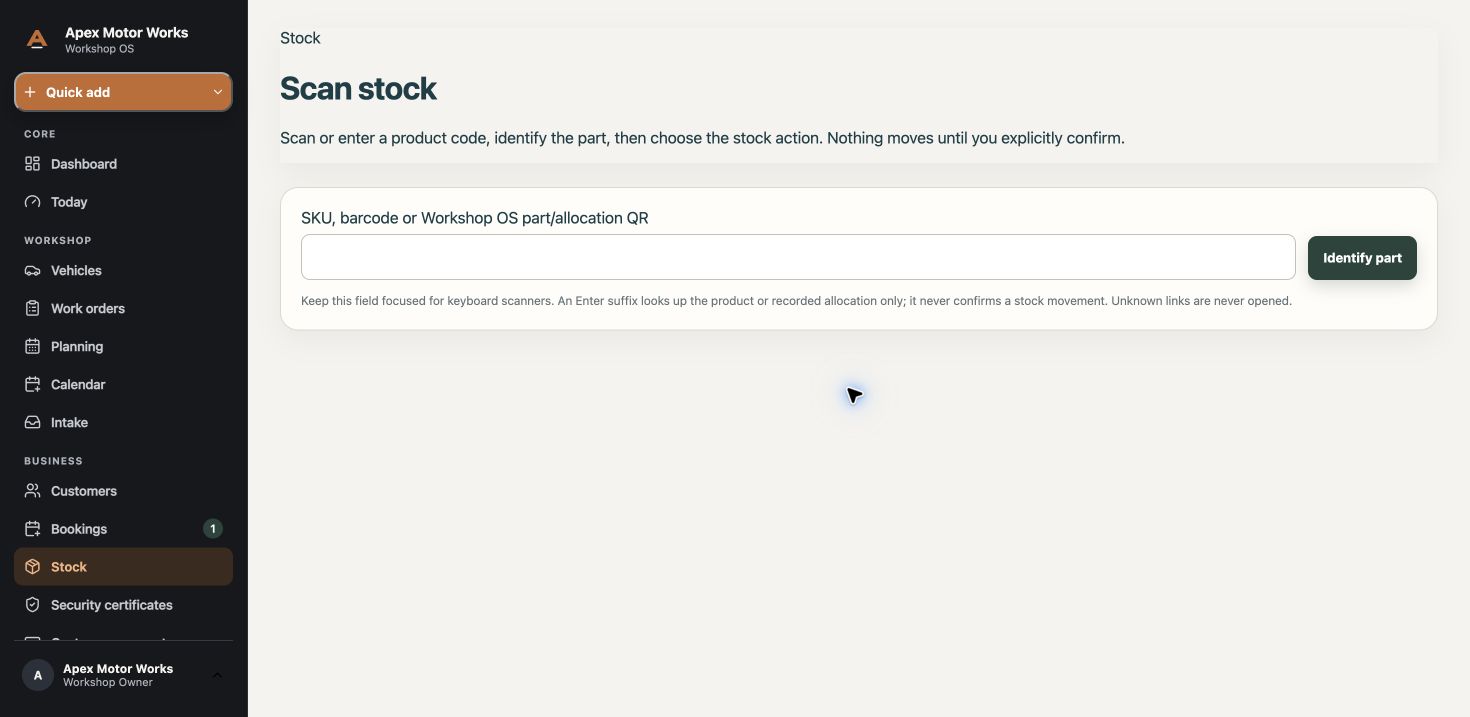
Enter a SKU, barcode or Workshop OS part QR code, or use a keyboard scanner to enter the code.
Open the part record and print its label for use in the stock room.
Identifying a part does not move stock. Choose and confirm the available stock action separately.
Compatible codes, device behaviour and available actions depend on your setup. We do not promise compatibility with every scanner or label printer.