Parts & usage
Track reserved and installed parts alongside the work they belong to.
Workshop OS · Platform
Keep parts and stock information close to the jobs that need them.
Book a demo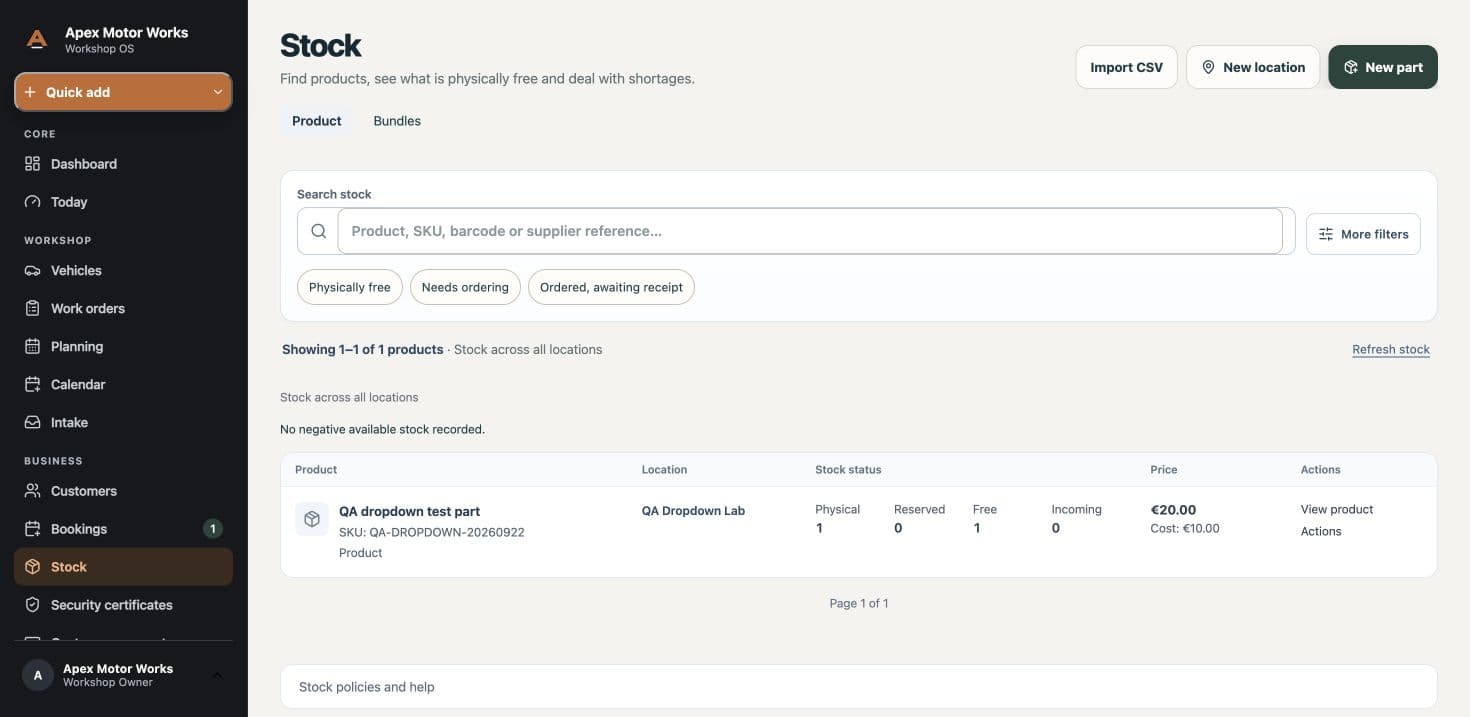
Track reserved and installed parts alongside the work they belong to.
Know what is available, reserved or running low before it holds up the next job.
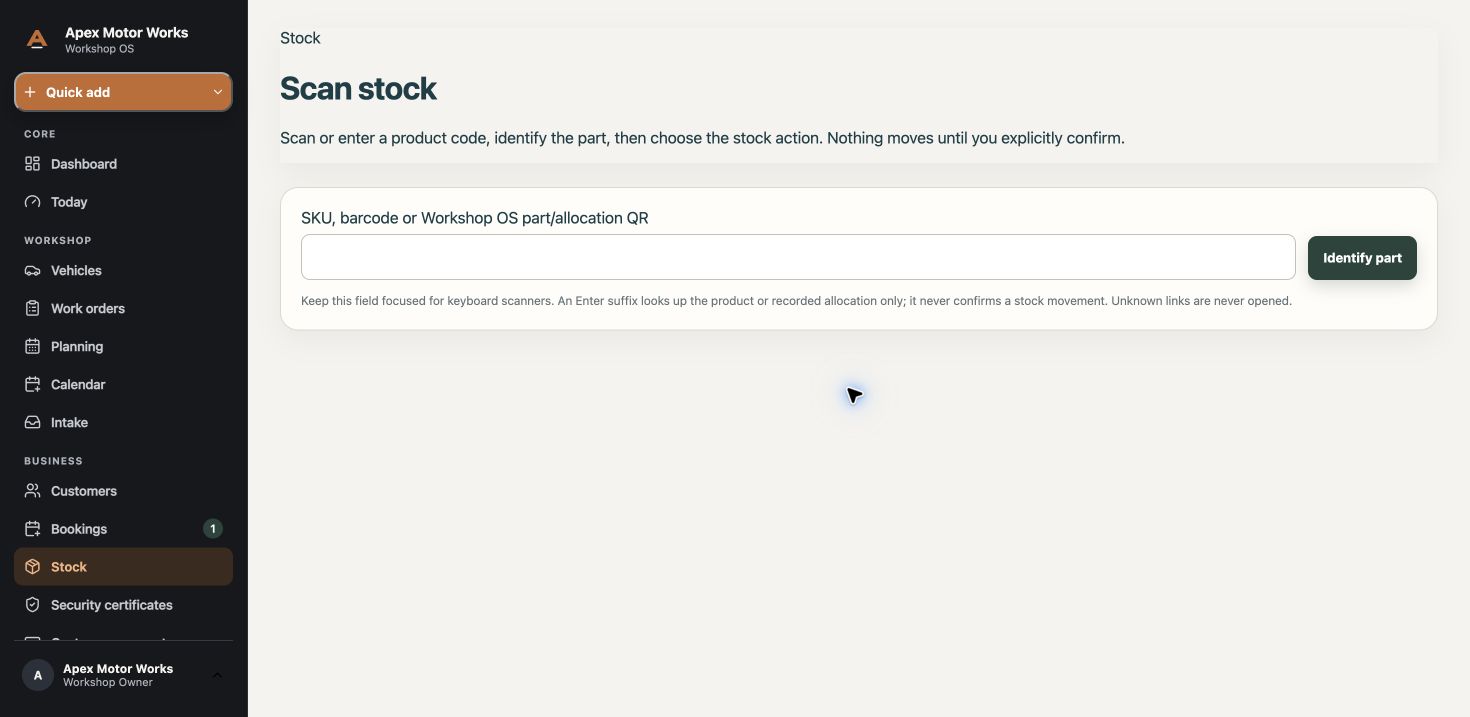
On the stock scan screen, enter a SKU, barcode or Workshop OS part QR, or use a keyboard scanner. Identifying a part does not move stock; a stock action must be confirmed separately. Availability depends on the workshop’s permissions and setup.